
(Solved) M5: Lesson 2- Post Test–Role Transition Quiz – Requires Respondus LockDown Browser + Webcam
Description
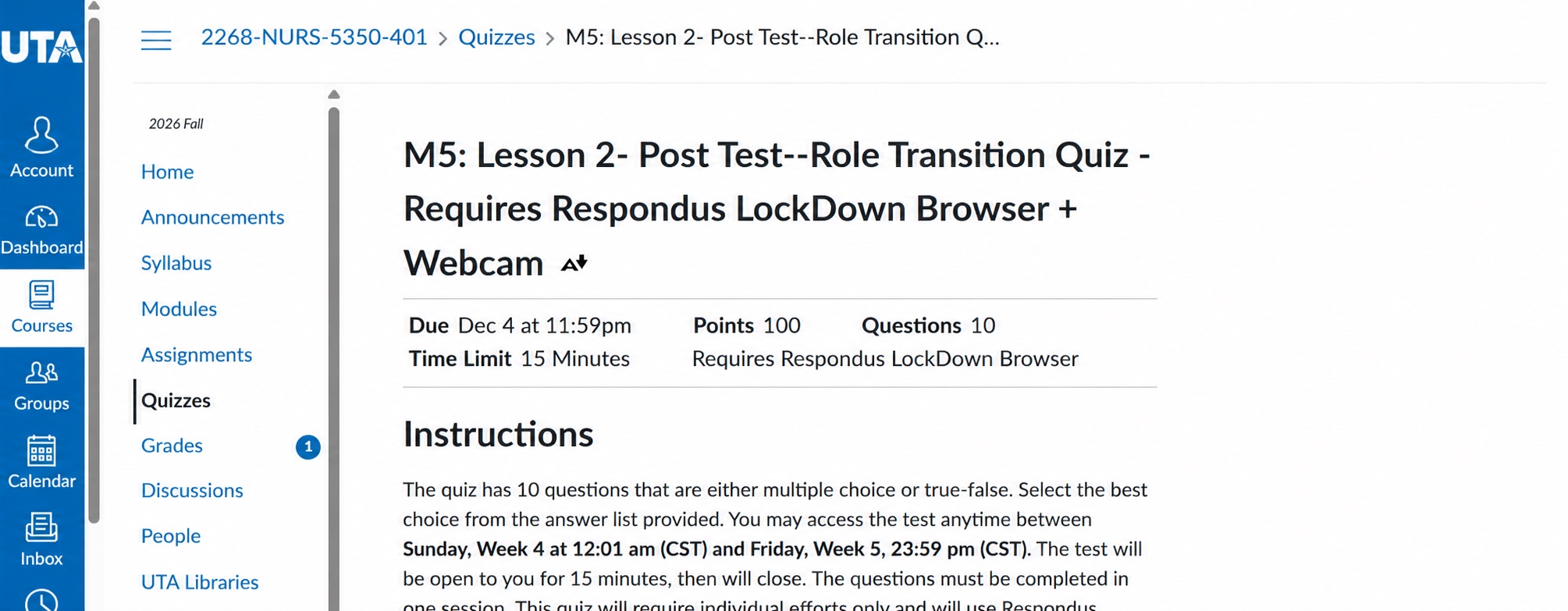
M5: Lesson 2- Post Test–Role Transition Quiz – Requires Respondus LockDown Browser + Webcam
Instructions
The quiz has 10 questions that are either multiple choice or true-false. Select the best choice from the answer list provided. You may access the test anytime between Sunday, Week 4 at 12:01 am (CST) and Friday, Week 5, 23:59 pm (CST). The test will be open to you for 15 minutes, then will close. The questions must be completed in one session. This quiz will require individual efforts only and will use Respondus Lockdown Browser plus a webcam. No books or papers are permitted during the assessments and the quiz must be completed in the session when it is entered. The goal of a pretest/post-test is to measure your knowledge gain. The test score it not reflected in your total grade for the class, but these are mandatory completion items for the class.
The quiz is from the textbook readings, lecture, and the attachments on the Doctor of Nursing Practice and consensus model.
To begin the test:
Close all applications, documents, browsers
Open the Respondus Browser (RLB) From, within the Respondus Browser, you will see the screen that allows you to log into Canvas, locate your test, and begin testing.
If you are asked for a password to test it means that you are trying to access the test from within your Canvas interface versus the Respondus Browser. Get out and reenter via RLB.
During testing:
- Do not double click, only single click (and await response from server).
- You do not need to save as when you advance, the item is saved automatically when items are presented one at a time as in this course.
- The webcam should provide a clear view of you, the desk and computer from the level of the desk up. If using a laptop, do a 360 degree scan of the room before starting the test. The desk surface must remain in view through the entire test.
- We do check your video each time and if we cannot see the desktop, you may receive a zero on the quiz or final.
- No wearing a hat and/or sunglasses
- Ensure your work surface is free of all materials (no paper, writing instruments, cell phones, tablets, second computers, books, etc.
- Ensure that you are alone in a quiet room while testing to prevent the appearance that you are receiving outside help.
You are encouraged to test during daytime hours when you can receive assistance from distance education and/or your instructor if you experience issues while testing. If you lose your connection to the test, get totally out of RLB and reenter as this usually corrects the problem. If you cannot get back in, email your instructor, and call Canvas support. Please be aware that your faculty cannot be available 24/7 during the testing days.
……………….Reach out for help with a Respondus LockDown Browser + Webcam exam