
(Solved) M4: Lesson 3- NP Business and Economics – Requires Respondus LockDown Browser + Webcam
Description
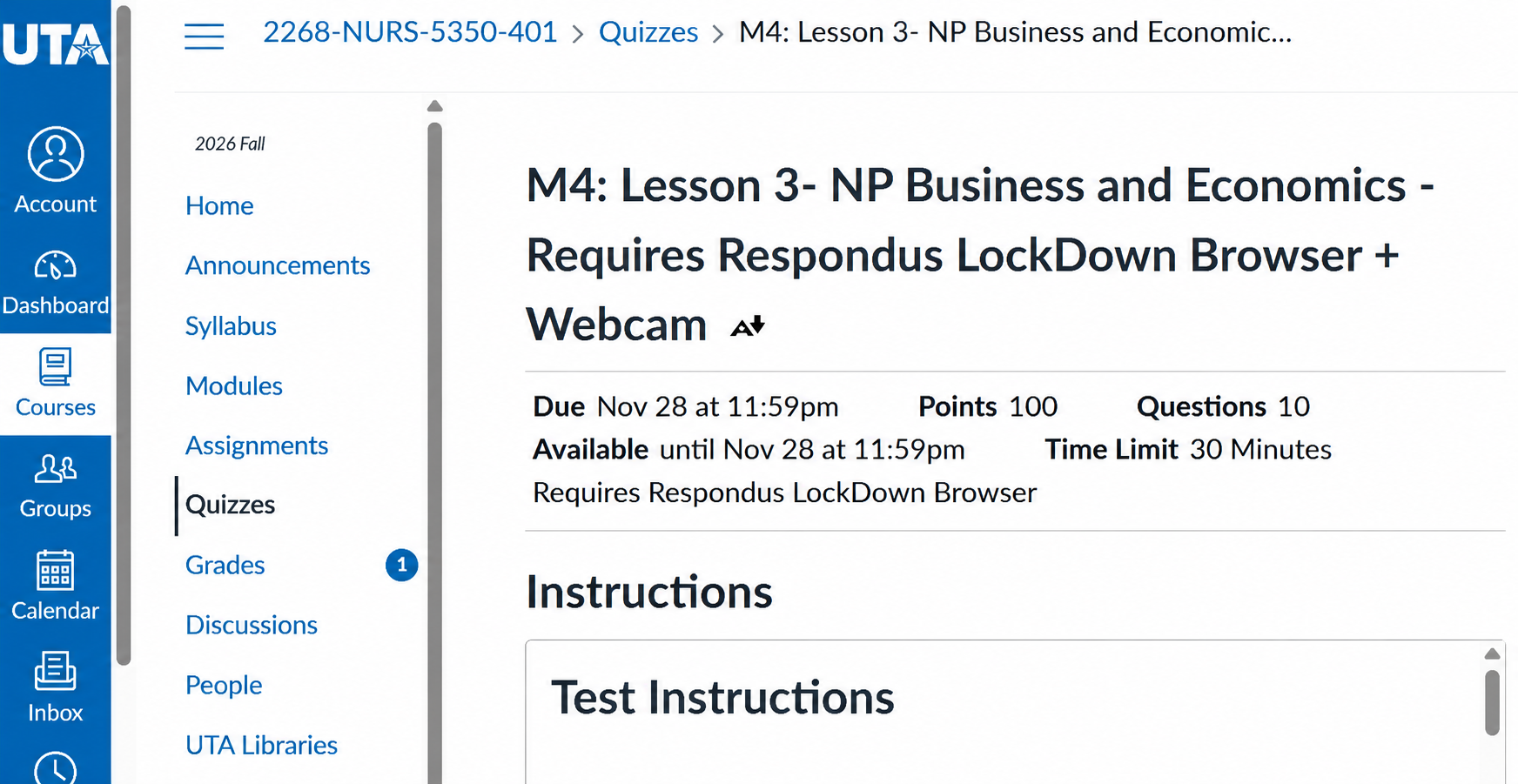
M4: Lesson 3- NP Business and Economics – Requires Respondus LockDown Browser + Webcam
Test Instructions
The test will be open to you for 30 minutes, then will close. The questions must be completed in one session. This quiz will require individual efforts only and will use Respondus Lockdown Browser plus a webcam. The assessments will be auto-submitted after the designated time has expired. Items will be given one at a time, randomized, and with no backtracking.
You are allowed ONE attempt. Your textbook and notes are NOT permitted during the assessments and the quiz must be completed in the session when it is entered.
Questions are over the lecture, videos, and textbook readings.
To begin the test:
Close all applications, documents, browsers
Open the Respondus Browser (RLB) From within the Respondus Browser, you will see the screen that allows you to log into Canvas, locate your test, and begin testing.
During testing:
- Do not double click, only single click (and await a response from the server).
- You do not need to save as when you advance, the item is saved automatically when items are presented one at a time as in this course.
- Please perform a 360-degree view of the room with your laptop camera or webcam.
- We do check your video each time and if we hear or see someone else in the room, you may receive a zero on the quiz or final.
- No wearing a hat and/or sunglasses
- Ensure that you are alone in a quiet room while testing to prevent the appearance that you are receiving outside help.
You are encouraged to test during daytime hours when you can receive assistance from distance education and/or your instructor if you experience issues while testing. If you lose your connection to the test, get totally out of RLB and reenter as this usually corrects the problem. …………………………...Reach out for help with this lockdown browser exam